



Commercial Security Camera Benefits

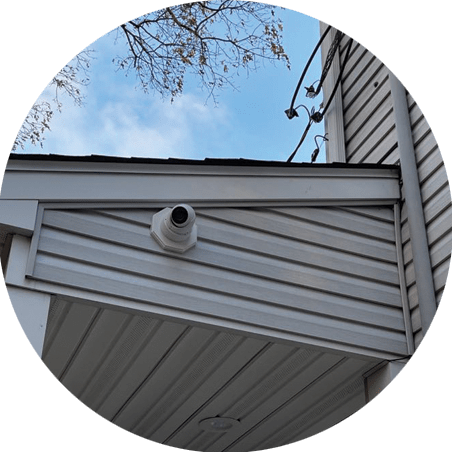
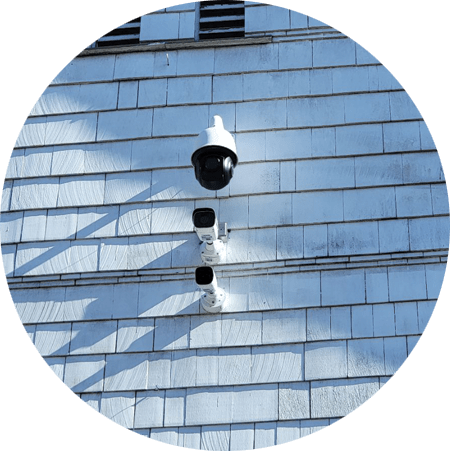
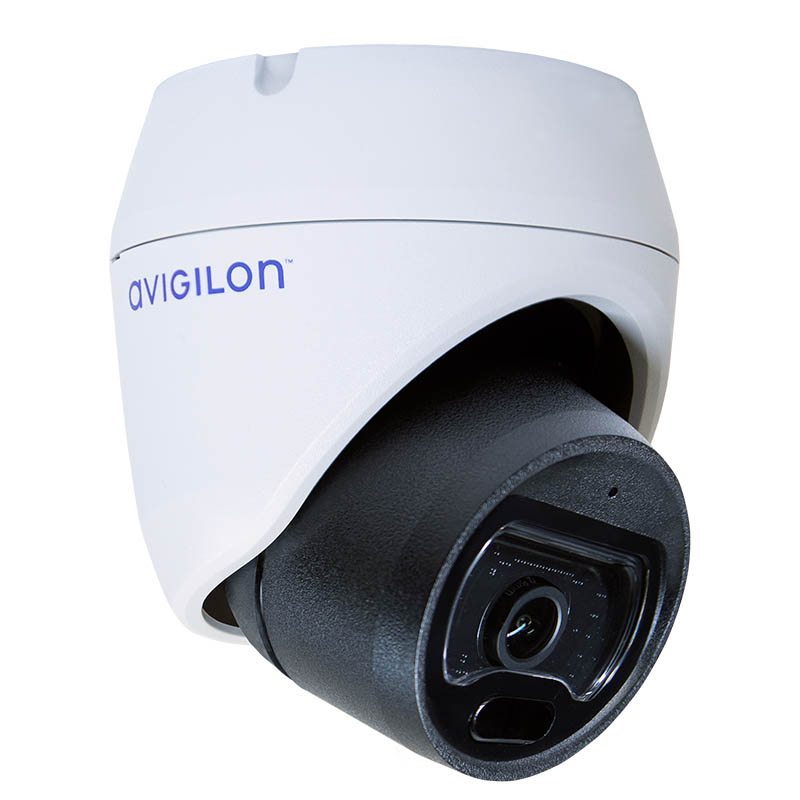
Security camera capturing footage

Heightened Safety

Security cameras deter crime, protect assets, and create a safer environment. With AI analytics and real-time alerts, they provide continuous monitoring and provide critical evidence during incidents, while also improving operational efficiency.

Real-Time Monitoring

With a security camera system, businesses can oversee operations and respond promptly to incidents from anywhere, ensuring continuous security and minimizing downtime in critical situations.

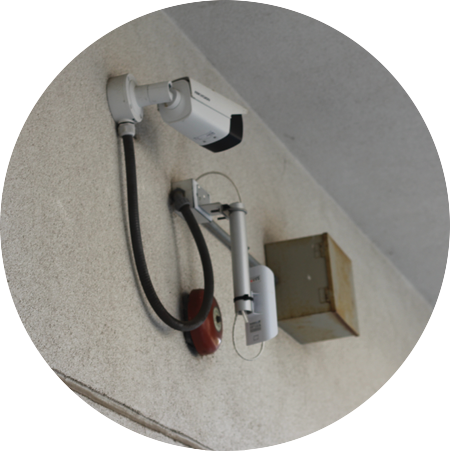
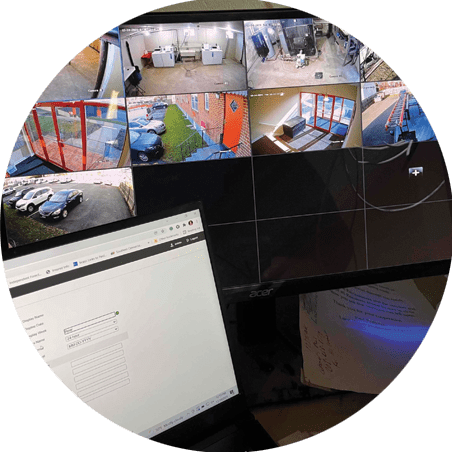
Security system on building exterior
Clear Evidence Collection

Clear Evidence Collection

High-quality recordings from a commercial video surveillance system help resolve disputes, support investigations, and provide proof in legal matters. They also capture critical details that might otherwise go unnoticed, adding clarity to complex situations.

Improved Employee Productivity

Surveillance systems can improve employee productivity by creating a sense of accountability, encouraging staff to stay focused and on task. Additionally, they allow management to identify workflow inefficiencies and implement solutions to optimize performance.

A bustling office of employees working
Security for every budget

Cost Savings

Businesses save costs by reducing theft, vandalism, and other losses through deterrence and evidence collection. Choosing the right business security camera installer can further enhance these savings by ensuring professional installation and optimal system performance.

Customer Confidence

Customer confidence improves when security cameras are present because they create a sense of safety, showing that the business prioritizes protection and security. This visible commitment to safeguarding customers and property fosters trust and encourages repeat visits.

Customers inside store with security outside

Business Security Camera System Features

  • High-Resolution Imaging: Commercial security cameras provide sharp, detailed footage with resolutions ranging from HD to 4K for clear identification of people and objects.
  • Night Vision Capability: Equipped with infrared or low-light technology, these cameras capture clear images in darkness or low-light conditions.
  • Wide-Angle Coverage: Many models feature wide-angle lenses or adjustable pan-tilt-zoom functionality to monitor large areas effectively.
  • Remote Access: Integrated with apps or software, users can view live footage and receive alerts from any location via smartphone or computer. A comprehensive video management system enhances visibility into security events and integrates seamlessly with existing infrastructure, especially when transitioning from traditional analog systems to modern IP-based solutions.
  • Weatherproof Design: Built for durability, outdoor models are resistant to harsh weather conditions like rain, heat, and snow.
  • Motion Detection: Advanced sensors trigger recording or alerts when motion is detected, ensuring focus on critical events.

Step-by-Step Guide to Commercial Security Camera Installation

1. Site Assessment and Planning

Evaluate the property to identify high-risk areas, blind spots, and optimal camera placements. This process provides complete coverage tailored to the specific business’s security needs.

2. Equipment Selection and Setup

Choose cameras, cabling, and recording devices that suit the business’s requirements. A commercial security camera installer can assist in selecting the right equipment, conducting initial surveys, and planning the installation. Technicians then install the cameras according to requirements and regulations.

3. System Configuration and Training

Calibrate cameras and integrate them with monitoring systems, such as DVRs, NVRs, or cloud-based platforms. Test for clear video feeds and reliable operation. Offer educational material and real-time training on newly installed equipment.

4. Ongoing Support and Maintenance

Provide routine maintenance to ensure peak performance, including software updates and hardware inspections, while offering support for any technical issues.

Business Security Camera Systems

IP Cameras With a Network Video Recorder

IP Cameras With a Network Video Recorder

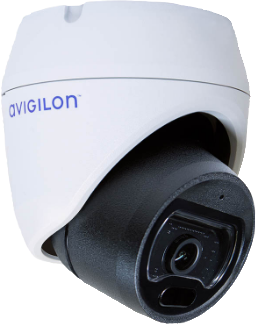
IP camera systems deliver exceptional image clarity, remote viewing, and seamless scalability. With resolutions up to 4K, these systems capture critical details and offer real-time access from any device. Combined with NVRs, footage is stored securely and organized for fast retrieval—ideal for businesses that need precision, flexibility, and future-ready tech.

Analog Cameras With a Digital Video Recorder

For businesses looking for reliable performance without the premium cost, analog camera systems offer a proven solution. These setups are easy to implement, compatible with existing infrastructure, and supported by DVRs that store and manage video efficiently. A practical option for straightforward surveillance needs.

Analog Cameras With a Digital Video Recorder
Wireless Surveillance Cameras

Wireless Surveillance Cameras

Wireless cameras are built for flexibility—no cabling, fast installation, and full coverage even in hard-to-wire spaces. Ideal for expanding sites or properties with layout challenges, they offer encrypted data transmission and mobile access, making it easy to monitor operations in real time from anywhere.

Cloud Security Cameras

Cloud-connected camera systems eliminate the need for on-site storage and give businesses instant access to footage from any location. Video is securely stored online, making it easy to scale across multiple sites, share footage, and receive real-time alerts without managing physical hardware. Ideal for businesses that want simple, flexible, and modern surveillance with minimal IT overhead.

Cloud Security Cameras

Trust Mammoth Security for
All Types of Security Camera Installations

Mammoth Security handles the full range of security camera installations, from basic indoor systems to advanced multi-site surveillance networks. Each project is approached with attention to coverage, clarity, and long-term reliability. Contact Mammoth Security today to schedule a free onsite consultation and receive expert guidance tailored to your property.

FAQ

Key features of a business security camera include high-resolution imaging for clear visuals, night vision for low-light areas, wide-angle lenses for broad coverage, motion detection for targeted recording, and remote access for monitoring from any location.
A complete installation includes site assessment, equipment selection, camera mounting, cable routing, system configuration, and training on how to use your system. Professional installers also test the equipment to ensure all cameras record properly, storage is working, and any remote access features are set up.
Business security camera installation costs vary based on camera quality, advanced features, and the number of units required. Individual cameras can range from a few hundred dollars to several thousand, with additional costs for installation and monitoring services.
Installation time depends on the size of the property, the number of cameras, and the complexity of the setup. Most small businesses can be completed in a day, while larger installations with dozens of cameras or multiple buildings may take several days. A site walkthrough can provide a more accurate timeline.

A qualified security camera installer can ensure that these cameras deter criminal activities, provide real-time oversight of operations, and capture crucial evidence, offering businesses peace of mind and enhanced safety measures.

Cameras should be placed at entry points, cash registers, parking lots, loading docks, hallways, and any high-traffic or high-value areas. Placement should eliminate blind spots and ensure full coverage of vulnerable areas both inside and outside the building. A professional layout ensures optimal positioning for security and evidence collection.
A commercial security camera generally lasts 5 to 10 years, depending on factors like the quality of the equipment, environmental conditions, and regular maintenance by security camera system installers.
Storage requirements depend on the number of cameras, video resolution, and how long you want to keep footage. Higher resolutions and longer retention periods need more capacity. Options include external hard drives, local NVR/DVR systems, or cloud-based storage, depending on your setup and needs.
Some existing cameras can work with a new system if they're compatible. However, many modern systems require specific camera types, especially when switching between analog and IP technology. Compatibility should always be verified during the planning phase to avoid integration issues.
Yes. Many commercial-grade systems can integrate with access control systems, burglar alarms, and even intercoms. This allows for centralized monitoring and automation—for example, triggering a camera recording when a door is opened or an alarm is triggered. Integration improves both security and convenience.
Outdoor cameras are built to withstand weather conditions and typically include features like infrared night vision, weatherproof housings, and wide dynamic range. Indoor cameras are more compact and don’t need the same durability. Using the right type for each environment ensures performance and longevity.
Yes, most commercial cameras offer motion detection, and many also include person, vehicle, face, or license plate detection. Some models have built-in microphones or audio inputs for sound recording. High-end PTZ cameras may also feature extended night vision and automatic tracking of moving subjects.
The main difference is the type of cameras they support. DVRs work with analog or hybrid cameras, while NVRs work with IP cameras. NVR systems typically offer better resolution, remote access, and advanced features like AI-based alerts. Both can include motion detection and night vision, but NVRs are more future-proof and feature-rich.
A professional security installation company will have the correct wiring to use for the installation. Outdoor cameras require weather-rated cables, and aerial cable is used between buildings or to poles. The quality of Cat5 or Cat6 cable also matters—cheaper options may have less copper and affect performance. A professional installer will choose the right cabling based on camera location and system type.
Yes, an NVR can operate without internet access. It stores footage locally and can still receive input from connected cameras. You won’t lose video recordings, but features like remote viewing or motion alerts won’t work without an internet connection.
IP cameras are generally better than analog CCTV systems. They offer higher resolution, better motion detection, remote access, wider field of view, and more advanced features. While “CCTV” refers to any closed-loop camera system, the term is often used to describe older analog setups.
Systems can be either self-monitored or professionally monitored. With professional monitoring, a security company watches your system in real time and can respond to incidents. Self-monitoring lets you review footage and receive alerts through your phone, but you’re responsible for taking action.
Regular maintenance should be done at least once a year. This includes checking camera lenses, cleaning equipment, updating firmware, testing recording devices, and inspecting cables. Preventive maintenance ensures your system stays reliable and extends the life of your investment.

Learn The Best Questions To Ask Before Purchasing A Camera System

Employ The Same Technology As These Companies: